



driving in Morocco apps :Must-Have Apps and Tools
Must-Have Apps and Tools for Driving in Morocco
The right apps turn an unfamiliar road into a familiar one. Here’s the short list worth installing before you land, plus the low-tech gear that quietly saves your trip.
A few years ago, driving in an unfamiliar country meant a paper map unfolded across the passenger seat and a lot of optimism. Today the most useful thing in your car is the phone in your pocket. Used well, it handles directions, language, weather, and emergencies. Used badly, it dies at 3% on a mountain road with no signal.
This guide to driving in Morocco apps covers what’s actually worth installing, how to set it up before you leave home, and which small physical tools earn their place in the glovebox. Nothing here is complicated. It’s simply the preparation that separates a relaxed road trip from a stressful one.
🧭 Why Your Phone Is Your Best Co-Driver
Morocco is an easy country to drive in once you know where you’re going. The harder part is the in-between moments: a junction with signs in Arabic and French, a town where the one-way system defeats your sense of direction, or a long stretch where you need to know the next fuel stop. Apps fill those gaps.
Never Truly Lost
Good GPS and offline maps mean a wrong turn costs a minute, not an hour.
Bridge the Language Gap
A translation app turns road signs and a quick chat at a petrol station into non-events.
Power Is a Feature
All of it relies on a charged phone. A car charger is the unsung hero of any road trip.
One important rule before anything else: set everything up while parked. Phone use without a hands-free setup is illegal in Morocco, and fiddling with an app mid-drive is dangerous anywhere. Plan your route, mount the phone, and then drive.
📍 Navigation: GPS Morocco and Casablanca City Driving
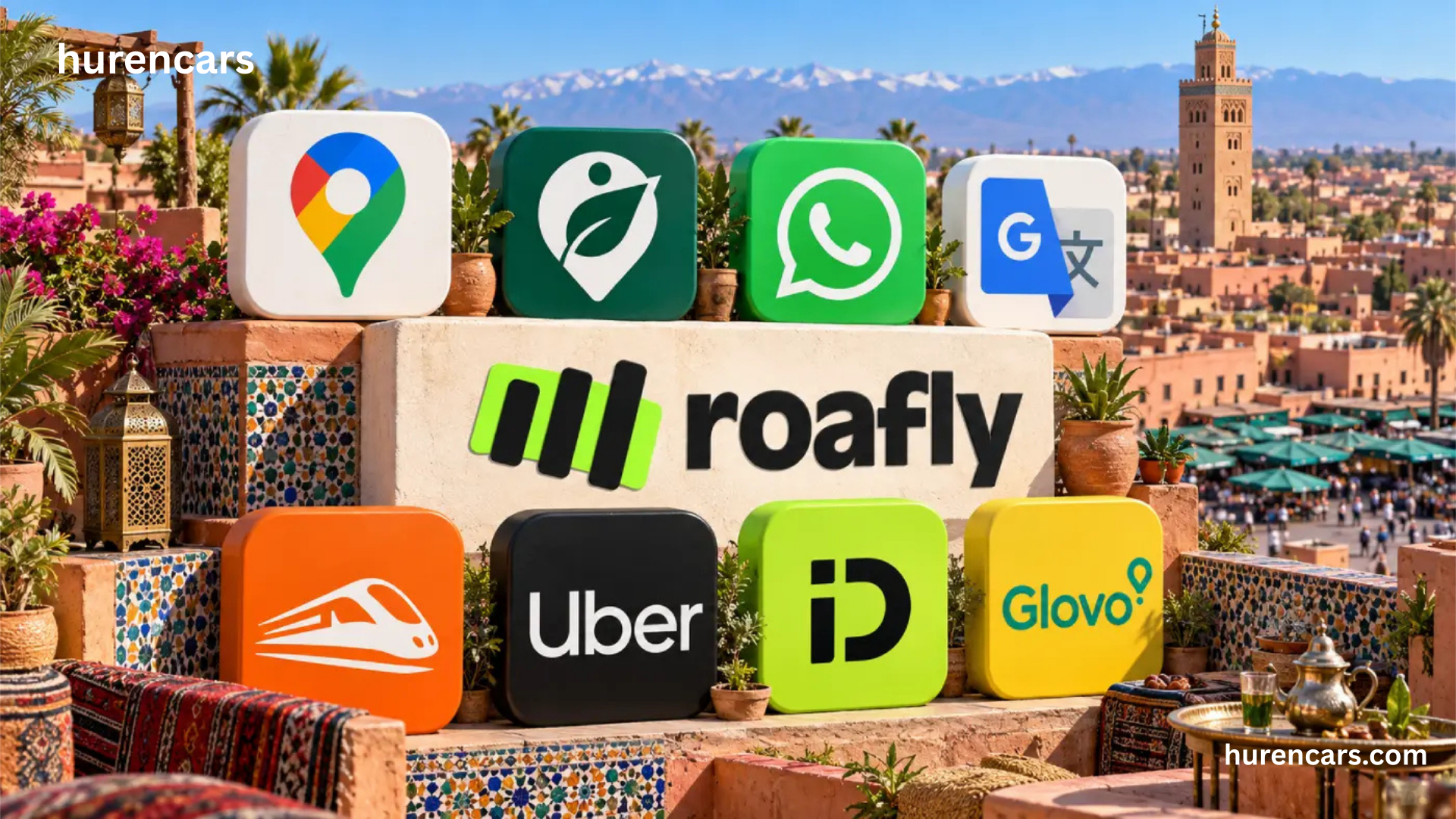
For GPS Morocco, you have three reliable families of apps. Most travellers install two, using one as the main guide and one as a backup that works without signal.
Google Maps: The Dependable Default
Coverage across Morocco is strong, and the interface is familiar. Its biggest advantage for road trips is offline maps. Download your regions over Wi-Fi at your hotel, and the route keeps working when the signal disappears in the Atlas or the Rif. Estimated journey times are generally sensible, though add a buffer for mountain roads.
Waze: Best for City Traffic
Among navigation apps Casablanca drivers use, Waze stands out for live conditions. Casablanca has serious rush-hour congestion (roughly 8–9:30am and 5:30–7:30pm), and crowd-reported slowdowns, roadworks, and hazards help you choose a smarter route. It needs a data connection, so treat it as your city tool rather than your only tool.
Offline Backups: Organic Maps or HERE WeGo
These apps store full map data on your phone, so they work with no signal at all. They’re a sensible safety net for remote stretches such as the road to Merzouga or the Rif mountains. Download the Morocco map before you travel and test it once at home.
📊 Navigation Apps Compared
Features change, so check each app’s current offering before your trip. As a general guide, here’s how the main options compare for a Moroccan road trip.
| App | Best For | Offline Use | Typical Cost |
|---|---|---|---|
| Google Maps | All-round navigation, finding places | Yes, with downloaded areas | Free |
| Waze | Live traffic in cities like Casablanca | Limited, needs data | Free |
| Organic Maps | Remote areas, no-signal backup | Yes, full offline maps | Free |
| HERE WeGo | Offline turn-by-turn navigation | Yes, with downloaded maps | Free |
A simple pairing works for most trips: Google Maps as your main guide with offline regions downloaded, Waze for the big cities, and one offline app as insurance.
📶 Staying Connected: SIMs, Data and Offline Mode
Every app above works better with a decent data connection. Fortunately, Morocco makes that easy.
Local SIM or eSIM
The major Moroccan operators (Maroc Telecom, Orange, and inwi) sell tourist SIM cards, and shops at the airport and in city centres can set one up quickly. Bring your passport, because registration requires it. If your phone supports eSIM, a travel data plan bought before you fly means you land already connected. Either option usually beats international roaming on cost.
Where the Signal Fades
Coverage is good along the motorways and in towns. It thins out in high mountain passes, deep gorges, and the desert fringe. That’s precisely why offline maps matter. Before each long leg, check that your route is downloaded and your battery is high.
- Download offline map areas on hotel Wi-Fi the night before a big drive.
- Share your live location with a friend or family member on long days.
- Keep your phone in battery-saver mode if you’re relying on it for hours.
🧰 The Supporting Cast: Translate, Weather, Money
Navigation gets the glory, but a few other apps quietly earn their space.
Translation
A translation app with offline Arabic and French language packs helps with road signs, fuel station conversations, and menus. The camera feature can read a printed sign in seconds. Download the language packs while you have Wi-Fi.
Weather and Road Conditions
A good weather app matters more than people expect. Mountain passes such as Tizi n’Tichka can see snow in winter, the Rif can be foggy, and summer heat near the Sahara is serious. Check conditions before every major leg, especially if your route crosses the Atlas.
Currency and Cost Tracking
A currency converter helps you judge tolls, fuel, and parking in dirhams without constant mental maths. It’s a small thing that makes cash feel less unfamiliar.
Messaging and Support
WhatsApp is widely used in Morocco, including by businesses. Save your rental company’s helpline and WhatsApp number before you drive away. If you ever need roadside help, a message with your live location is clear and fast.
🎒 Road Trip Tools That Aren’t Apps
Some of the best road trip tools Morocco travellers carry have no screen at all. These are the items that rarely make the packing list and always get used.
- Car phone mount. Keeps your navigation in view and your hands on the wheel. Choose one that grips firmly on bumpy roads.
- Car charger and spare cable. Navigation drains batteries quickly. A 12V USB charger is essential.
- Power bank. Backup power for walks, viewpoints, and moments away from the car.
- Small dirham notes and coins. For tolls, parking attendants, and roadside stops.
- Printed or saved copies of key documents. Passport, licence, rental agreement, and booking details, both on paper and offline on your phone.
- Water and snacks. Long stretches between towns are common, particularly south of the Atlas.
- Sunglasses and a light layer. Glare is real, and mountain evenings can turn cool fast.
If your itinerary includes motorway sections, remember that tolls are paid on the autoroute network. Our road trip guide explains how toll booths, speed limits, and checkpoints work in practice.
✅ Your Pre-Flight Setup Checklist
Do this at home, a few days before you travel. It takes less than half an hour and removes most of the digital stress on arrival.
- Install Google Maps, Waze, and one offline navigation app.
- Download offline maps for Casablanca and every region on your route.
- Download Arabic and French language packs in your translation app.
- Sort a local SIM or eSIM plan, and confirm your phone is unlocked.
- Save your rental company’s helpline and WhatsApp numbers.
- Pack a car charger, a mount, and a power bank.
- Photograph your documents and store them offline.
⭐ How Huren Cars Fits Into Your Toolkit
The best app in the world can’t fix a car you don’t trust. A reliable vehicle, clear paperwork, and a human on the other end of the phone are the real foundation of a good road trip. Everything else, including every app above, simply builds on that.
Huren Cars — Support That Works Alongside Your Apps
Casablanca · Rabat · Airport pickup · Clear pricing · 24/7 helpline
Huren Cars is a Moroccan company based in Casablanca and Rabat, so the team can answer route questions with local knowledge, not just a generic script. You can reach them on WhatsApp, which pairs neatly with the live-location tip above. Pricing is explained clearly at booking, and the helpline is there when the unexpected happens. Learn more on the About Huren Cars page, or start from Casablanca airport and be on the road quickly.
❓ Frequently Asked Questions
Small Preparations, Big Peace of Mind
None of this is high-tech. A few well-chosen apps, a charged phone, offline maps, and a handful of simple physical tools are what separate a smooth trip from a stressful one. Spend half an hour on your setup, and driving in Morocco apps become the quiet background that lets you focus on the road, the scenery, and the next good meal.
Pair that with a rental company you trust, and you’re ready. When you’re ready to book, Huren Cars will have the car waiting.